
VIRTUAL TOUR BY BAYOU CITY 360
HOW TO USE DEEPLINK FEATURE IN BAYOUCITY360’S VIRTUAL TOUR
Bayou City 360’s Virtual Tour can be very useful when it comes to
communicating with outside parties, clients, vendors, and anyone remote
that wants to see your space without having to travel to the location.
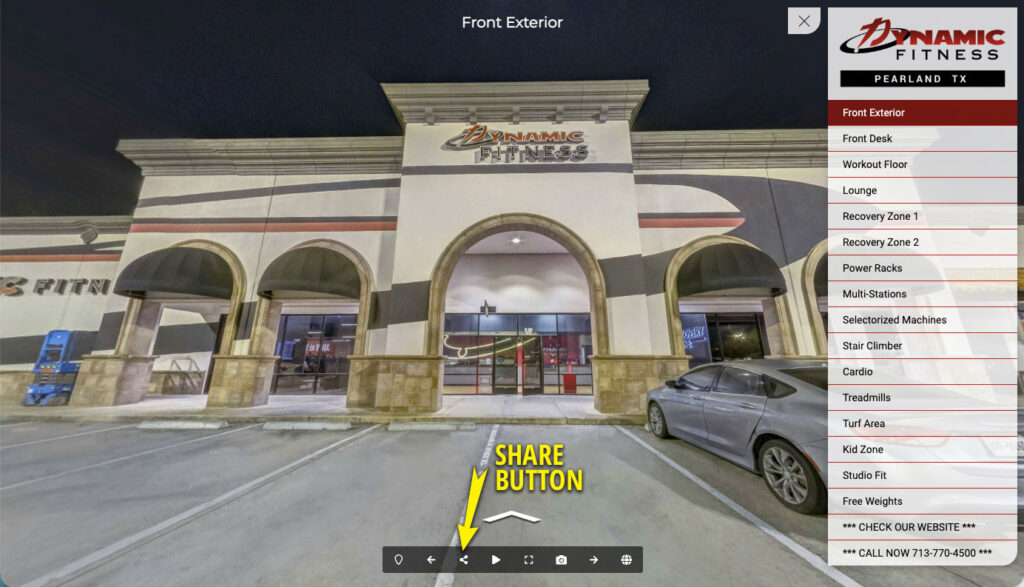
1. In your virtual tour, on the bottom menu bar, click on the SHARE button (the one that looks like three dots connected with two lines)
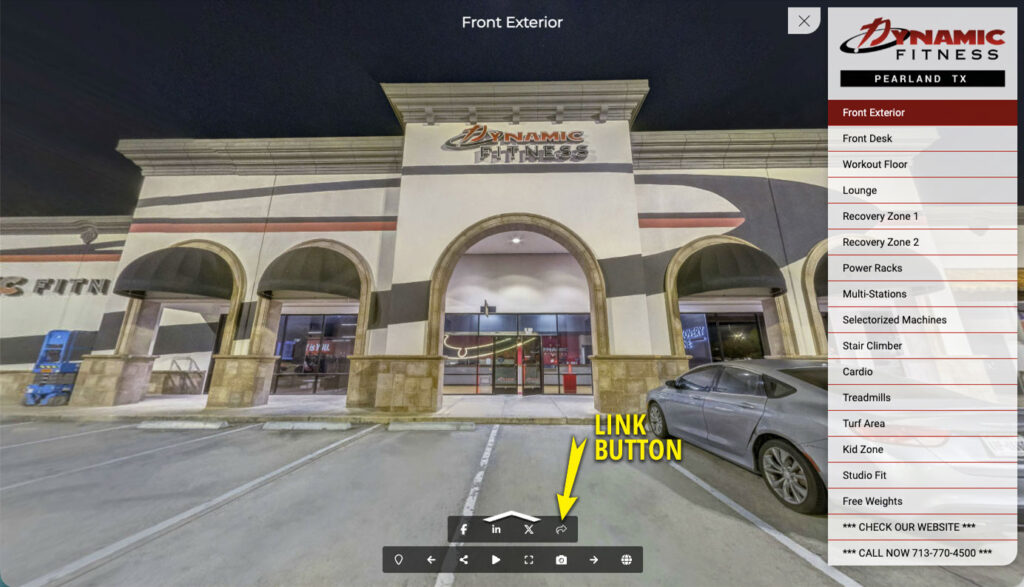
2. A secondary menu will show up on top of the main menu bar. Now click on the Link button (the right one with a bent arrow pointing right).
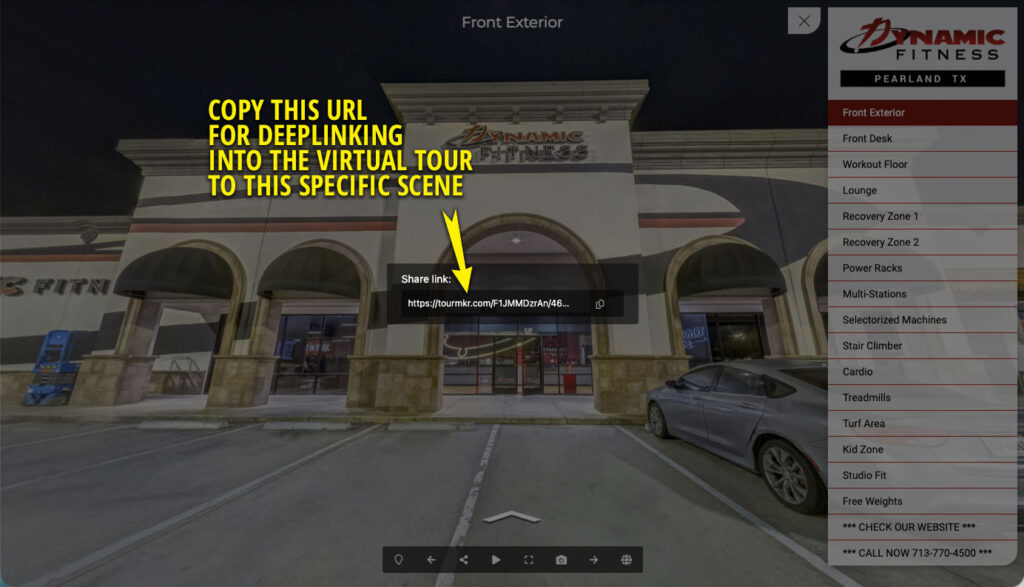
3. The screen will get greyed out and a box with a URL will appear. Copy this link. This is the URL you can use to point to the specific scene of your virtual tour, from anywhere.
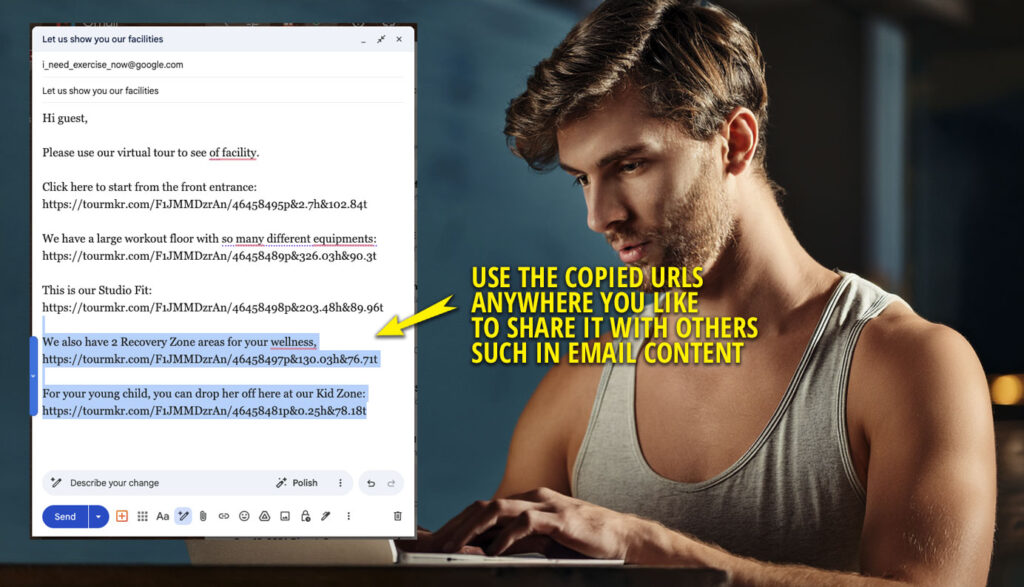
4. On your desktop or laptop, you can use these links on your email body, such as when you send a marketing email to your future members. Use one link, or more, to show the different areas of the complex.
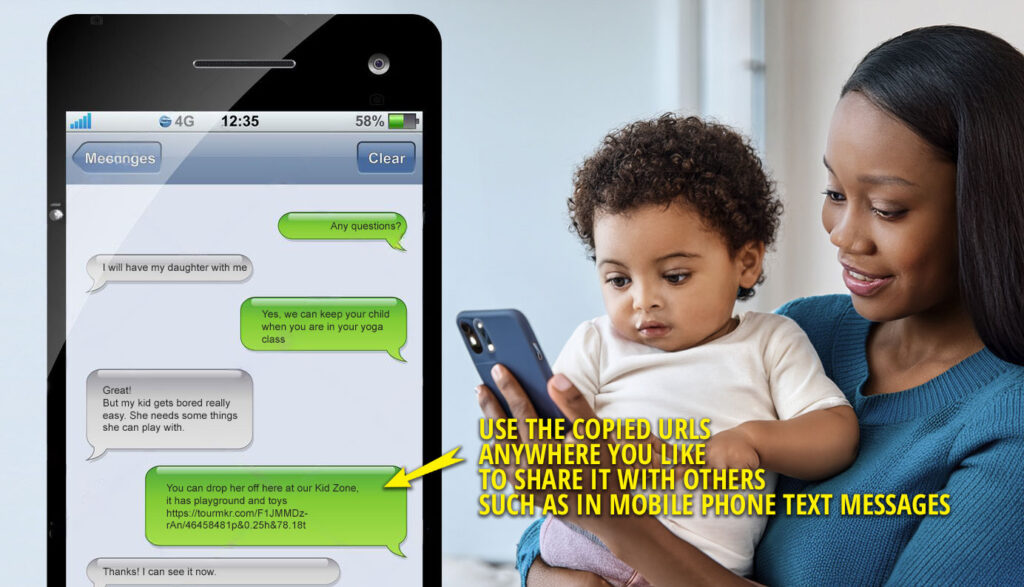
5. The virtual tour link (and the virtual tour itself) works in mobile devices as well! Sending a link does not have to be time consuming, simply text it to another person via phone’s text message.
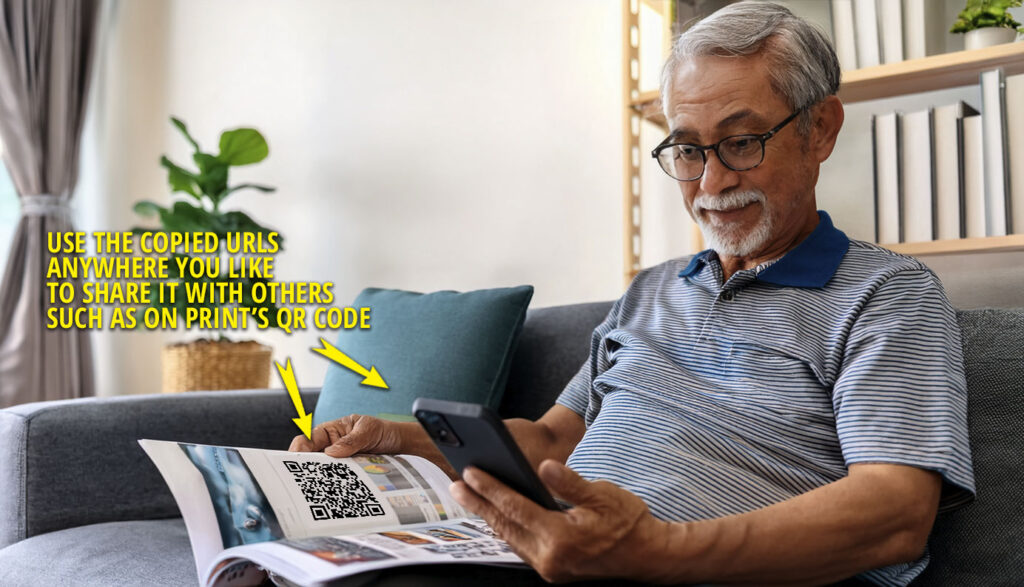
6. Use the power of QR code on prints and other static visuals. Put it on brochures, magazines, digital graphics, and more, so viewers can easily access the virtual tour by scanning the codes. Really easy and powerful.
We are a photography studio serving Houston, Sugar Land, Katy, The Woodlands, Pearland, Cypress, Richmond, Rosenberg, Galveston, Baytown, Pasadena, Cypress, College Station, Beaumont, Conroe, Kingwood, Clear Lake, Friendswood and beyond. We can also work with locations over Texas such as Austin, Dallas, Fort Worth and San Antonio.
LET’S CONNECT!
"*" indicates required fields